What "Automatic Language" Actually Means in a Dictation App
Most reviews of these apps are written by, and for, one language at a time. Here is what the setting actually does once you have two.
By Nelson, maker of Aurator
Plenty of people live in two languages, not one. They write to family in one and to clients in the other, often in the same hour. So I went and read what the apps actually do, past the "100+ languages supported" line on the box, down to how the automatic setting really behaves.
What I found is that "automatic language" means three different things across three apps.
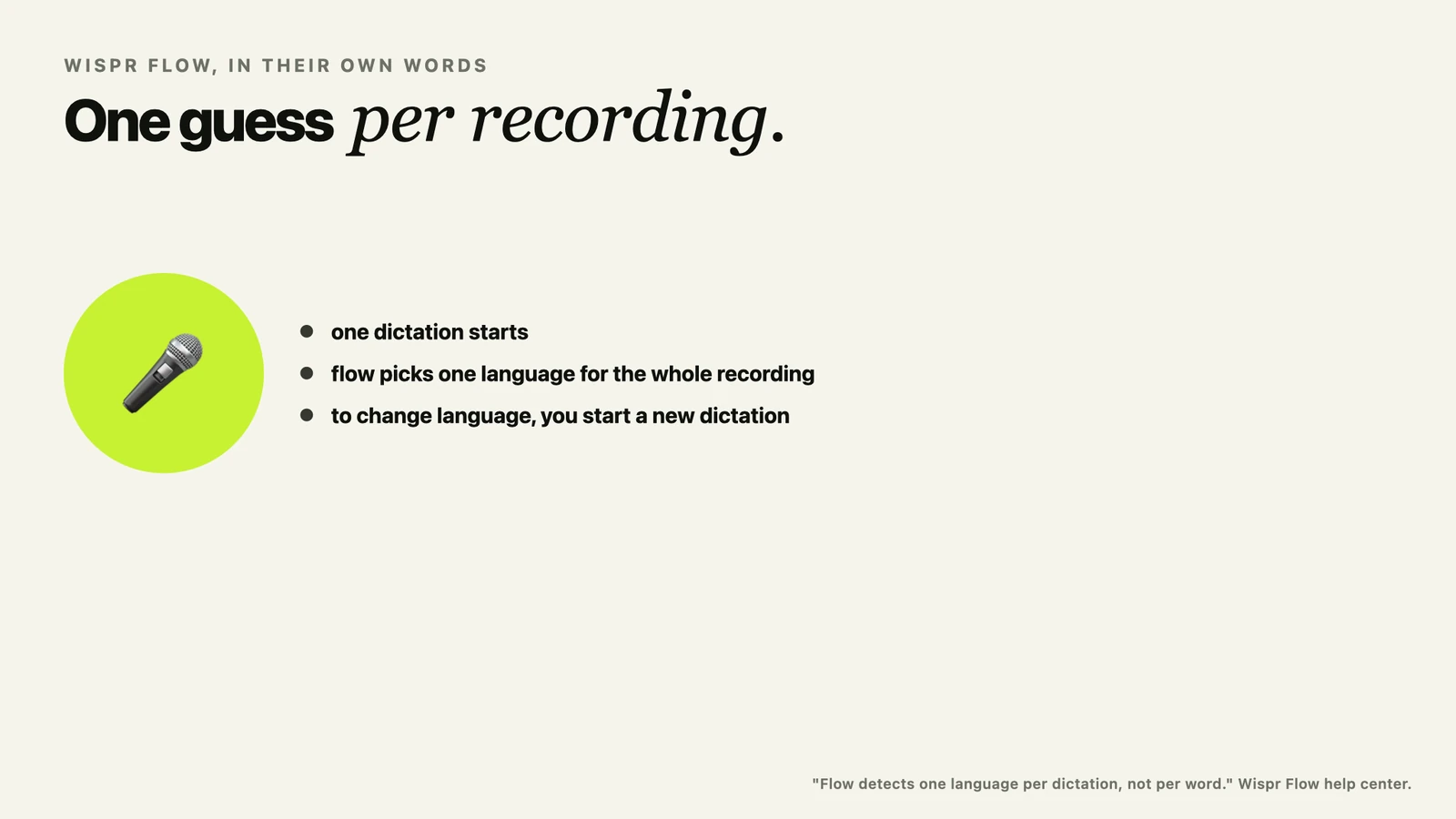
Wispr Flow detects a language once per dictation, not per word
Wispr Flow's own documentation is clear and specific about this, and I want to give them credit for writing it down plainly instead of leaving it vague. Auto-detect, in their words, lets Flow choose from all of its supported languages. But it does that once per recording. In their own words, Flow detects one language per dictation, not per word. To change languages, you start a new dictation.
That is a real, working feature, and it covers more languages at once than either of the other two apps here. The tradeoff is the one they state themselves, a single dictation cannot mix two languages, and the detection itself happens where their transcription always happens, in the cloud.
Superwhisper has an Automatic setting, and its own users are still asking for more
Superwhisper's language settings include an Automatic option. I will say plainly what I can confirm and no more. Superwhisper's own public feature request board has an open, actively supported request asking the company to use the voice model's language detection more fully, so that switching languages does not need a manual setting change. I am not going to tell you it does not work, because I have not tested it myself. I am telling you their own users are still asking for it, in public, which is its own kind of answer.
Aurator does not guess across a hundred languages, it checks your own two
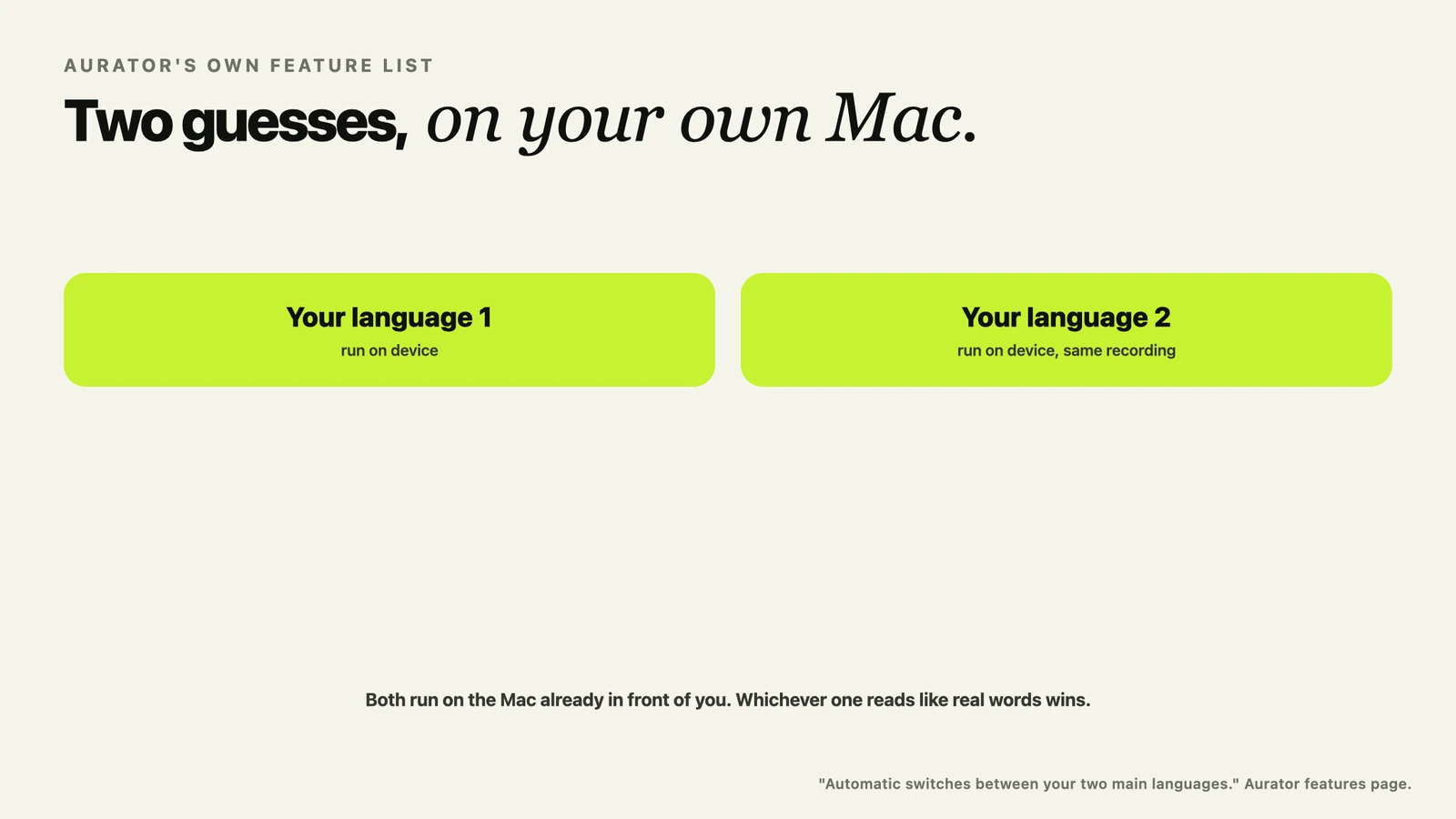
Aurator's own feature list is specific here too, and worth quoting exactly. Automatic switches between your two main languages. Not a hundred. Two, the ones you actually use, decided from how you have actually used the app.
The reason is the model underneath it. Apple's on-device speech model has to be told which language to listen for before it starts, it cannot tell mid-sentence the way a person can. So Aurator runs the same recording through both of your most used languages at once, entirely on the Mac, and keeps whichever one actually reads like real words. Nothing about that guess is sent anywhere to be made. Two models, side by side, on the chip already in front of you.
The part that is easy to miss, the language guess is a data flow too
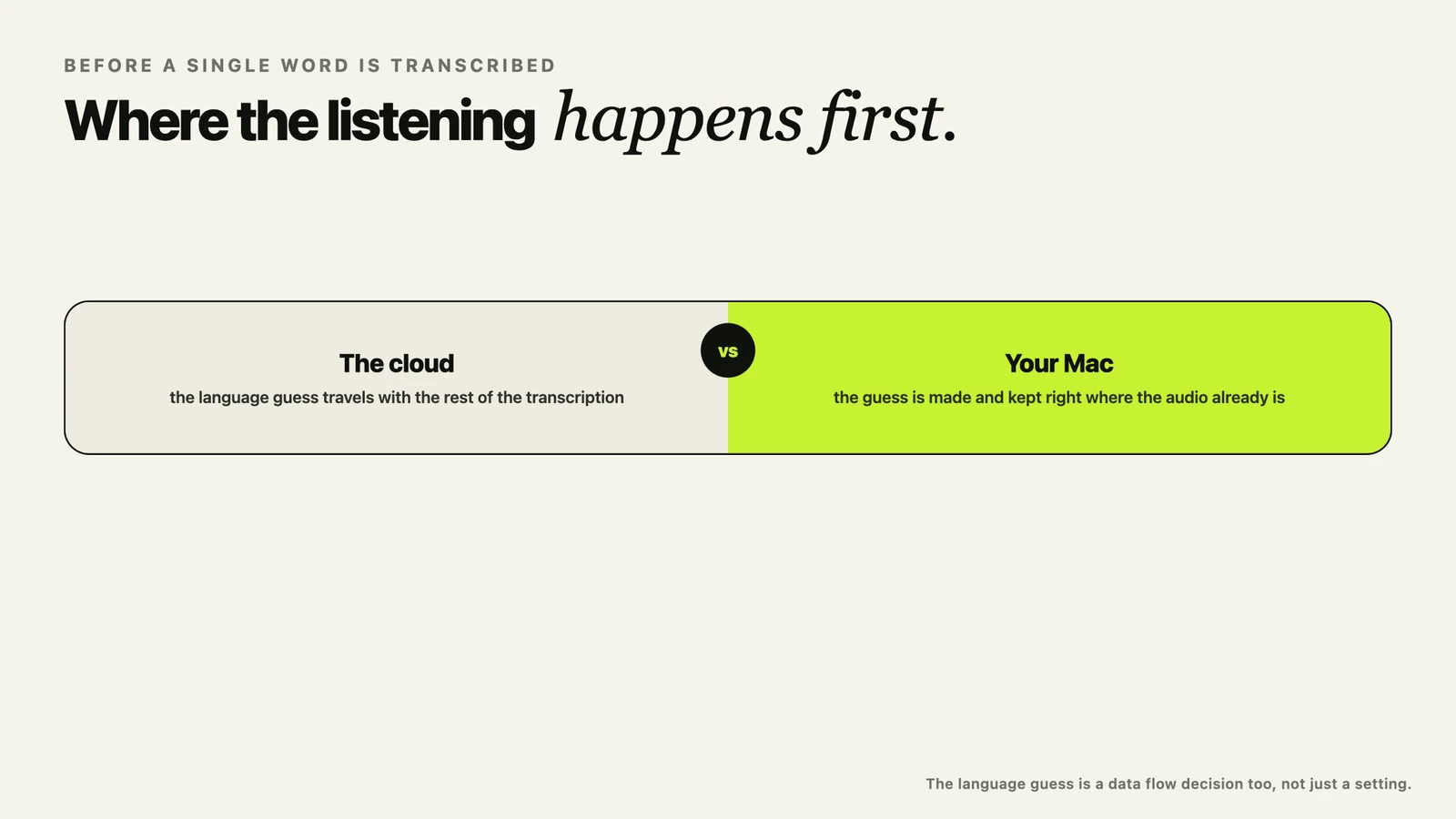
It is easy to think of a language setting as just a preference, not something that touches privacy. But deciding what language you are speaking means listening to the audio first. Where that listening happens is the same architectural question I went through in the article on privacy policies, just applied one step earlier in the pipeline than most people think to ask it.
Wispr Flow's guess happens in the cloud, because their transcription does too. Aurator's guess happens on the Mac, because the model that makes it is already sitting there, for free, whether you are using one language or two.
What I would actually check if this matters to you
If you live in one language, none of this changes much for you, every option here handles one language well. If you live in two, ask the specific question, not the general one. Does the app detect the language per word, per dictation, or only after you change a setting by hand. And when it makes that guess, where does the audio go to make it.
If you want to see the two-language version in a real app, Aurator is at tryaurator.app. Seven days free, every feature included.
And if you have found a dictation app that genuinely switches mid-sentence, in more than two languages, entirely on the device, I would really like to try it.
Sources, all checked on 3 October 2026
- Wispr Flow, help center, using Flow with multiple languages. docs.wisprflow.ai/articles/3191899797-use-flow-with-multiple-languages
- Superwhisper, public feature request board, auto language detection. superwhisper.userjot.com/board/p/auto-language-detection
- Aurator, features page. tryaurator.app